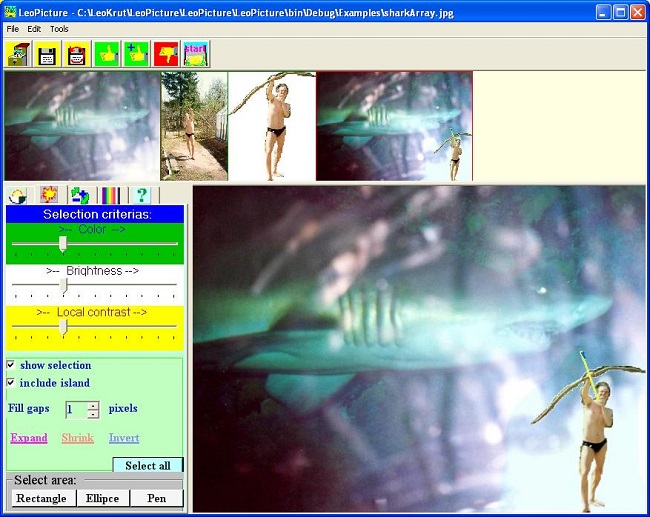
LeoPicture - digital photo software.
- Name: LeoPicture
- Operation system: MS Windows with Compact .NET Framework
- Type: Freeware without limitations.
-
Codes: Complete code project in MS Visual Studio C# is available to
purchase for learning, modification or implementing of the state of art algorithms
and functions at
LeoPicture project page.
-
Installation: press button to go to
installation page
for obtaining free executable LeoPicture.
-
Features of software:
-
General operations:
-
Open and save digital photo image files in *.bmp;*.jpg;*.tif;*.gif;*.png;*.emf;*.exf;*.wmf
formats.
-
Enhance, correct colors, paint in, zoom and deform image.
-
Select and modify part of image.
-
Copy/paste image or selected parts of the image.
- Print and print preview images.
-
Convenient and flexible interface for converting albums of paper album into
digital images by scanner.
-
Open and save digital photo image files in *.bmp;*.jpg;*.tif;*.gif;*.png;*.emf;*.exf;*.wmf
formats.
-
User interface.
-
Intuitive, colorful, rich and transparent.
-
All intermediate variants of digital photo picture are displayed
at once in array of thumbnails and any of them can be called
to active field by one click.
-
Flexible and multiple options for selection of area(s) in picture
including automatic take of area around clicked point.
-
Intuitive, colorful, rich and transparent.
-
Digital photo image enhancement.
-
Change brightness, contrast, saturation, sharpness, scale up
and filter noise of the whole digital photo image or selected area(s).
-
Fill area with transparent color, change color, add and extract color.
-
Replace one color with other.
-
Fill area with gradient colors in any selected direction or radiantly
with slope or wave effects with selected transparency of initial image.
-
Put text label with selected color and font size and face on image.
-
Fix red eye.
-
Heal old documents (lines and text).
-
Spread the color gamma of the picture.
-
Change brightness, contrast, saturation, sharpness, scale up
and filter noise of the whole digital photo image or selected area(s).
-
Image transformation.
-
Zoom, change size, rotate, mirror and deform image.
- Switch on a lens cursor for close observation of part of area without zooming whole digital photo picture.
-
Zoom, change size, rotate, mirror and deform image.
-
Image analysis.
-
Distribution of pixels colors in RGB form as well its brightness,
hue, saturation.
-
Calculation of average these characteristic in whole or selected
parts if image.
- Analyze symmetry patterns in image;
-
Create MS Word report of the analysis.
-
Distribution of pixels colors in RGB form as well its brightness,
hue, saturation.
Content:
Area selection in image. 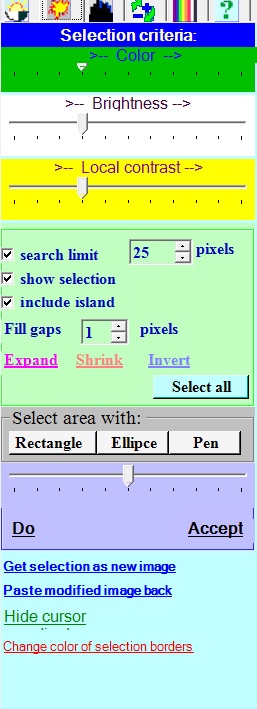
Select area in image in LeoPicture. Rotate, zoom, size, and deform image with LeoPicture 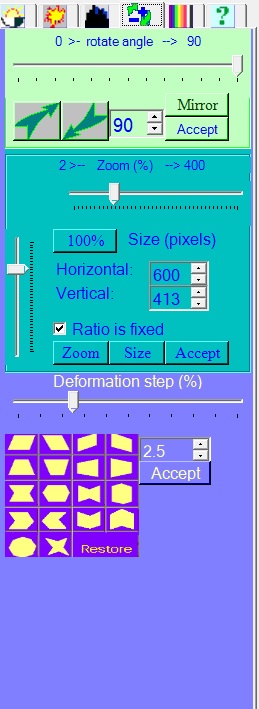
There are options to resize, deform or rotare image in LeoPicture software. Color editing and drawing operations in LeoPicture. 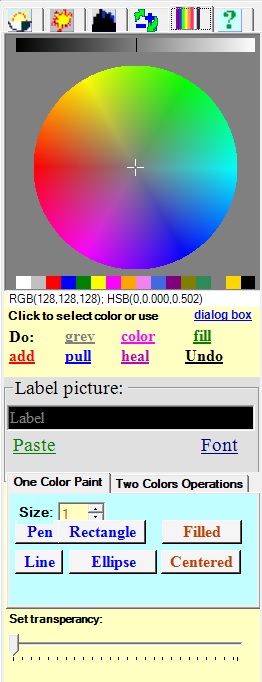
Painting operations on the image like drawing lines, rectangles, ellipses; filling selected area with color or extracting color, healing crack can be performed with LeoPicture. Main file operations in LeoPicture software 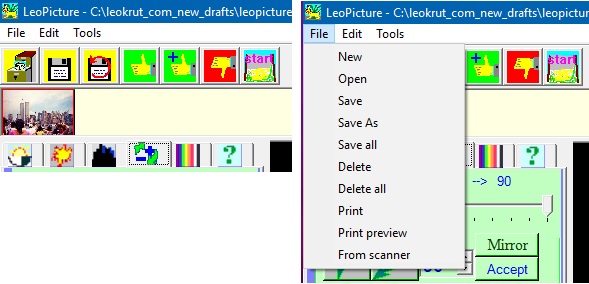
Main file operations in LeoPicture software include open and saving image files, saving changes. printing and so on. Common image operations in LeoPicture. 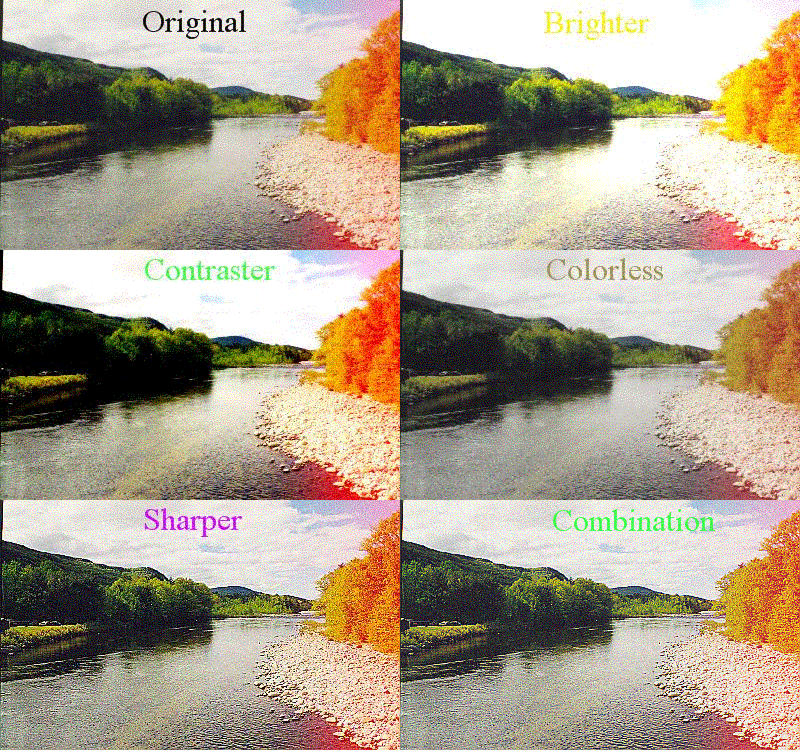
Common image operations in LeoPicture are image enhancement like brightness, contrast, saturation and sharpness in whole or selected parts. The software can add or extract color, paint selected areas, remove redness of eyes and perform simular operations. LeoPicture as colorimeter and color statistics analyser. 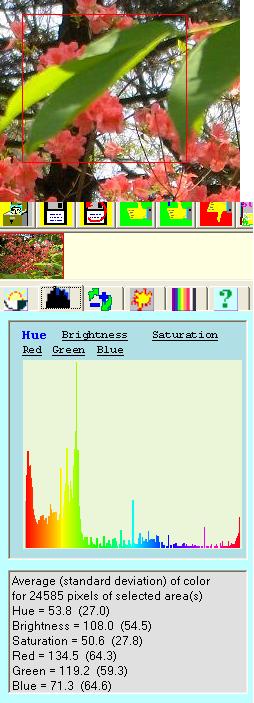
LeoPicture can be used as colorimeter and for revealing to color statistics for whole image or its part. -
General operations: